Download Remote Numpad free on android
APK file Remote Numpad 2.2.3How to install APK / APKS / OBB file on Android

Server download: https://github.com/theolizard/remote-numpad-server/releases
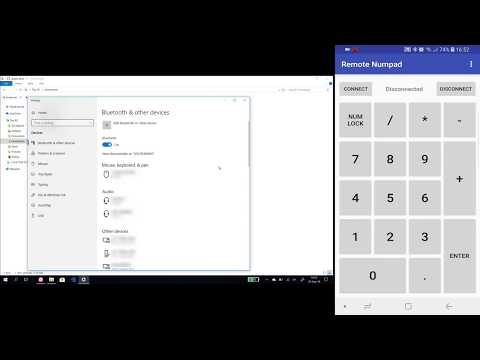
With Remote Numpad, you can add the convenience of a numeric keypad to your laptop.
You can use this numpad in 3 different ways.
Using the Bluetooth HID profile (experimental), you can use Remote Numpad with any Bluetooth-enabled device (Android P or more required).
Using the classic Bluetooth or TCP (Wi-Fi) connections, a server application needs to be running on the device. The server can be downloaded from "https://github.com/theolizard/remote-numpad-server/releases" where you will also find more information.
IMPORTANT: The classic Bluetoooth and TCP (Wi-Fi) connections WILL NOT WORK if the server is not running on the other device.
A tutorial video can be found at "https://youtu.be/xTfQparcgg4".
The project is open source and all contributions are welcome over at "https://github.com/theolizard/remote-numpad".
- LicenseFree
- File nameRemote Numpad
- File Version2.2.3
- Package namecom.guillaumepayet.remotenumpad
- Size2.5 MB
- UploadedJanuary 27, 2026
- Android5.0 or later
- CategoryTools
- DeveloperGuillaume Payet
- Developer emailpayetguillaume2008@hotmail.fr
- md5 hasha57f31ad79b7e27c53b366d1714ec050
- Architecture-
- Permissionsshow (7)